Collection Publisher
Publish your collection on the Internet or Intranet.
Usability
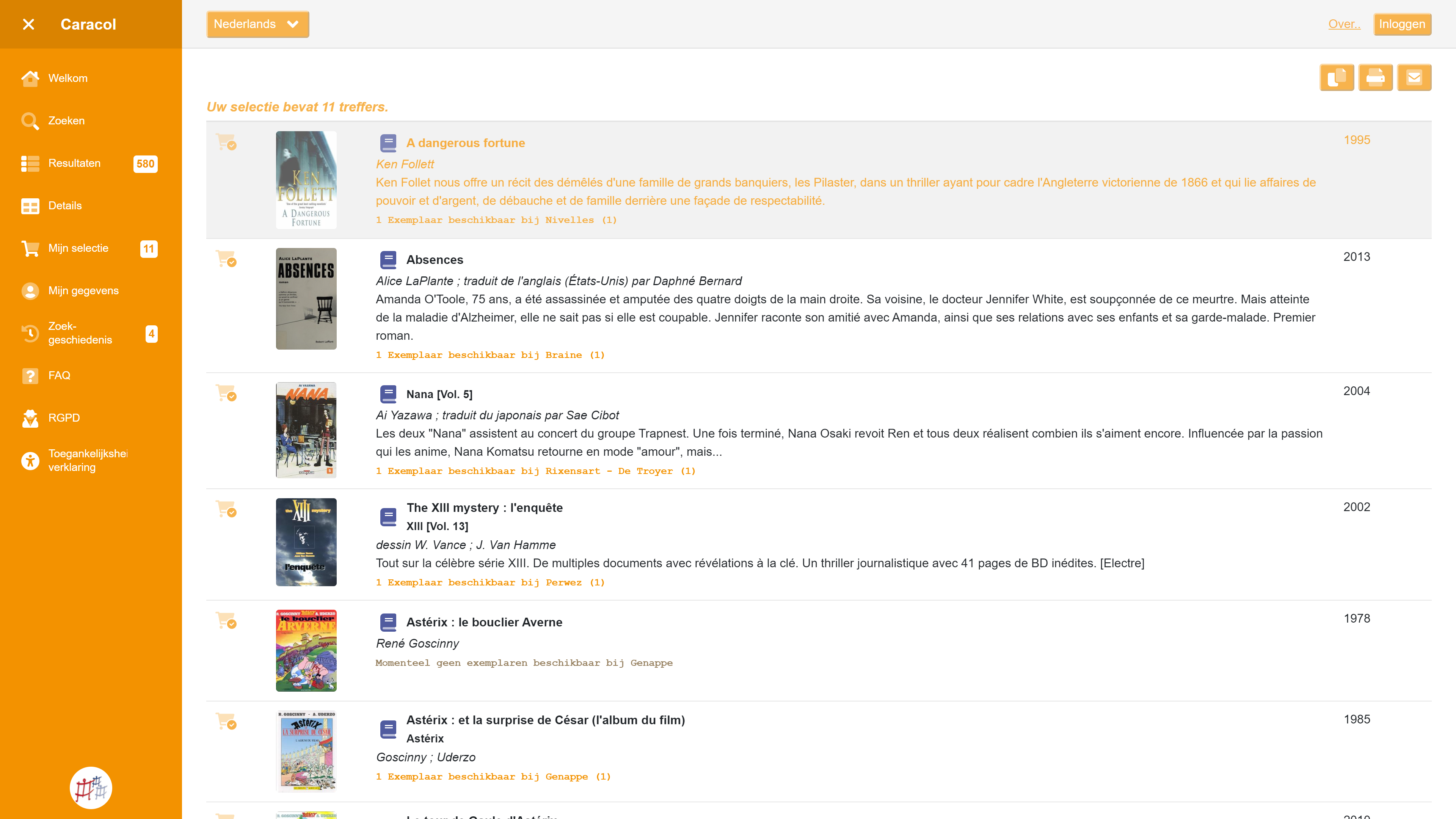
Collection Publisher makes searching in your database very easy and can be used both by the general public (online or on-site) and by internal staff who regularly need to consult collection data. The software can be used for any Adlib or Axiell Collections application, whether for libraries, museums, or archives.
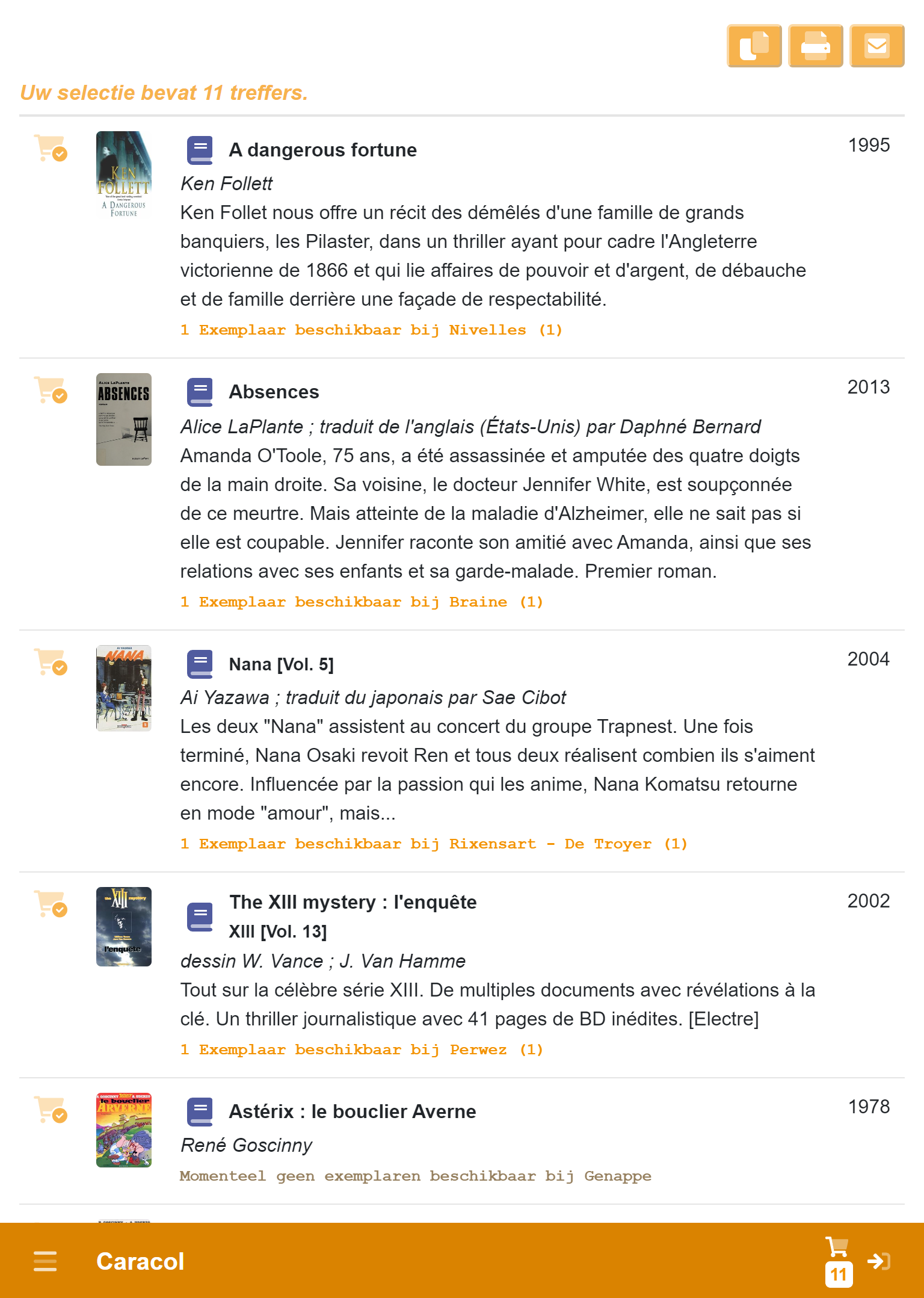
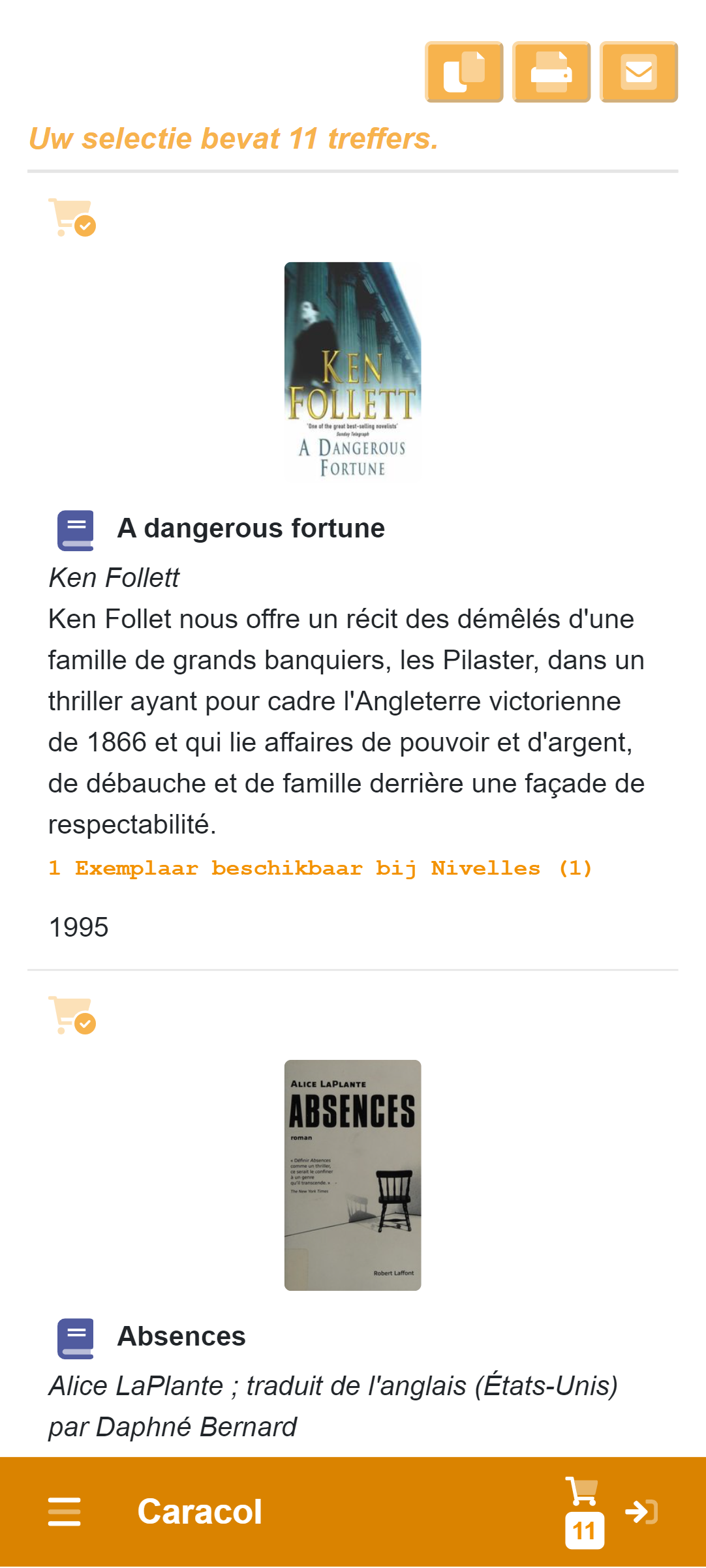
The software also automatically adapts to the dimensions of your device's screen. An optimal layout is automatically chosen for each screen size. As a result, you can use the software on any device: PC, Mac, Tablet, or even on your phone.
We call this "responsive design".
For Different Target Groups
The software uses existing data and settings through an "Application Programming Interface" (API).
Multiple connections can be made simultaneously, allowing the same search software to be used for different purposes within the museum.
For example, the public only sees part of the data, while staff can access everything.
Converting or copying databases (Data conversion) is not necessary; the software and data are accessed directly and without delay.
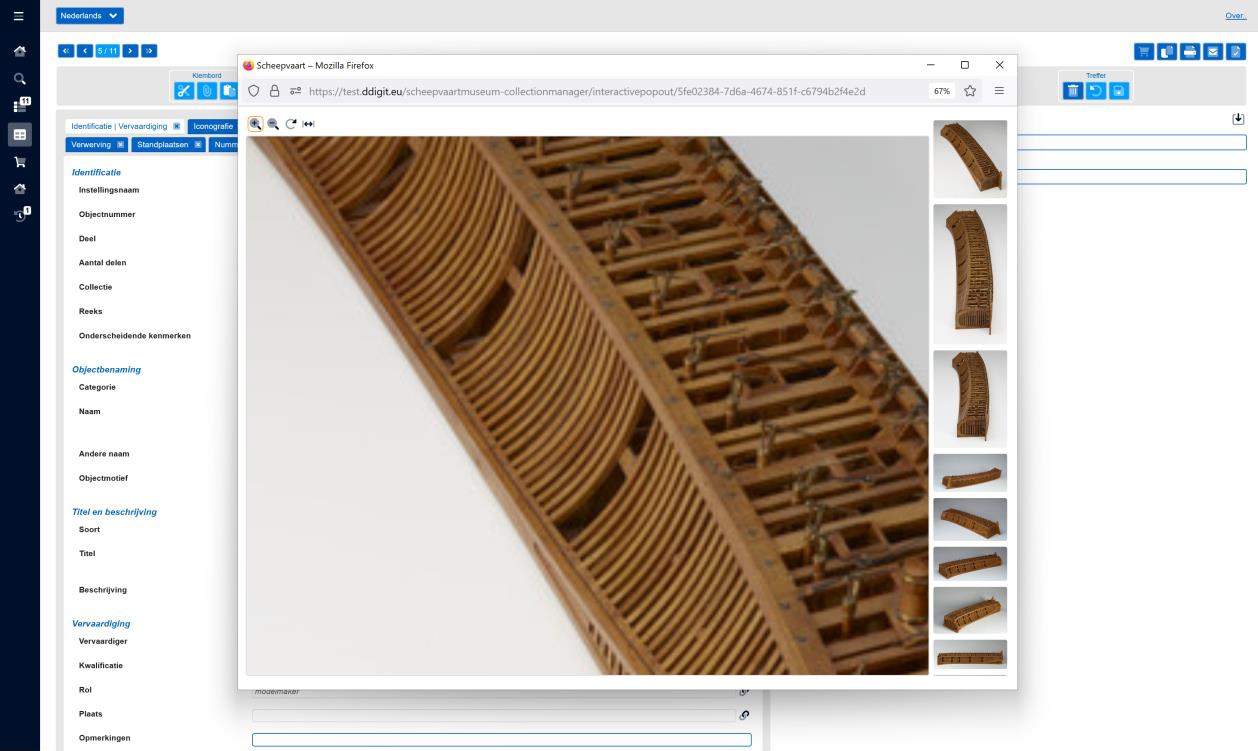
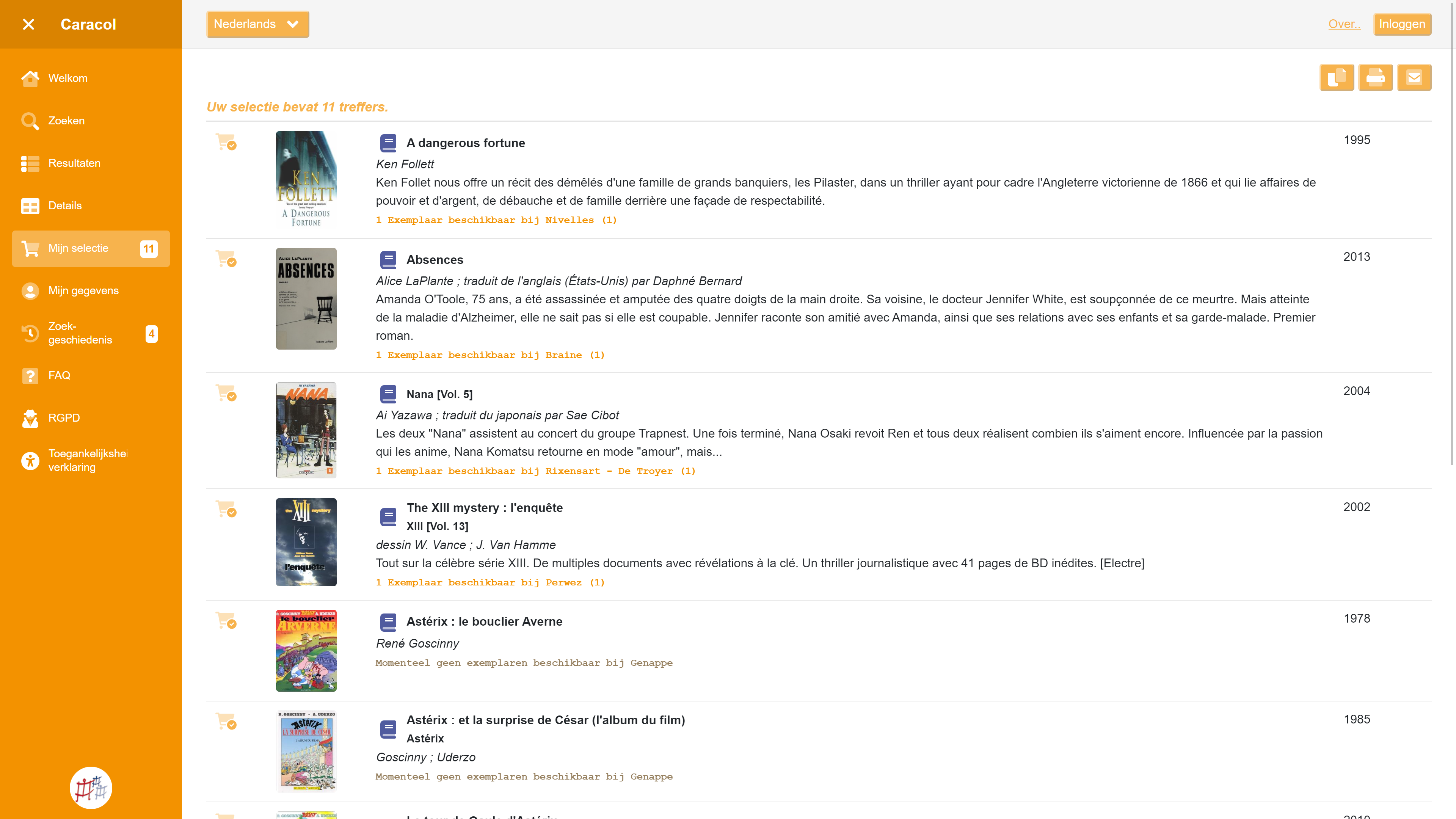
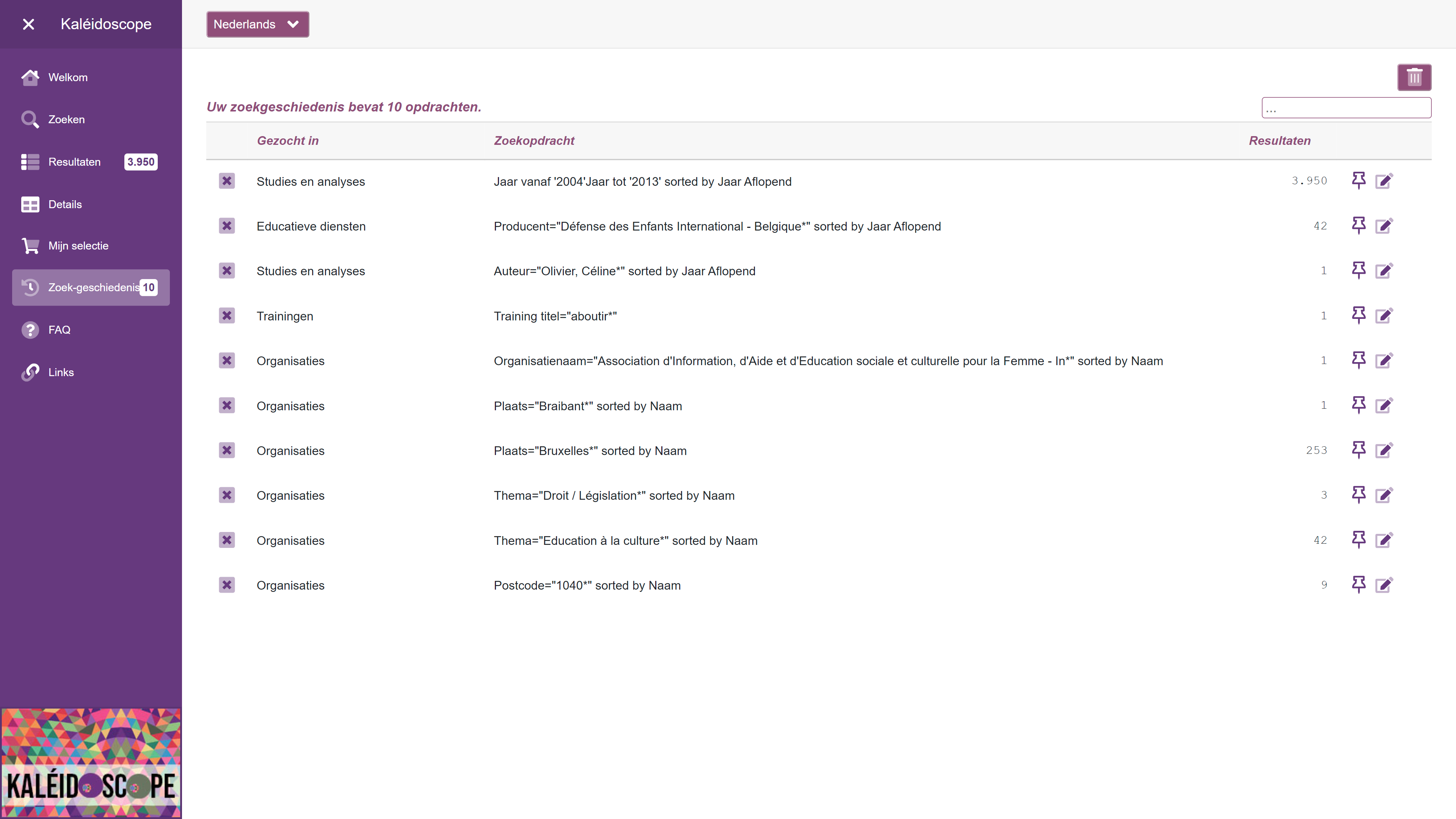
Easy to Use
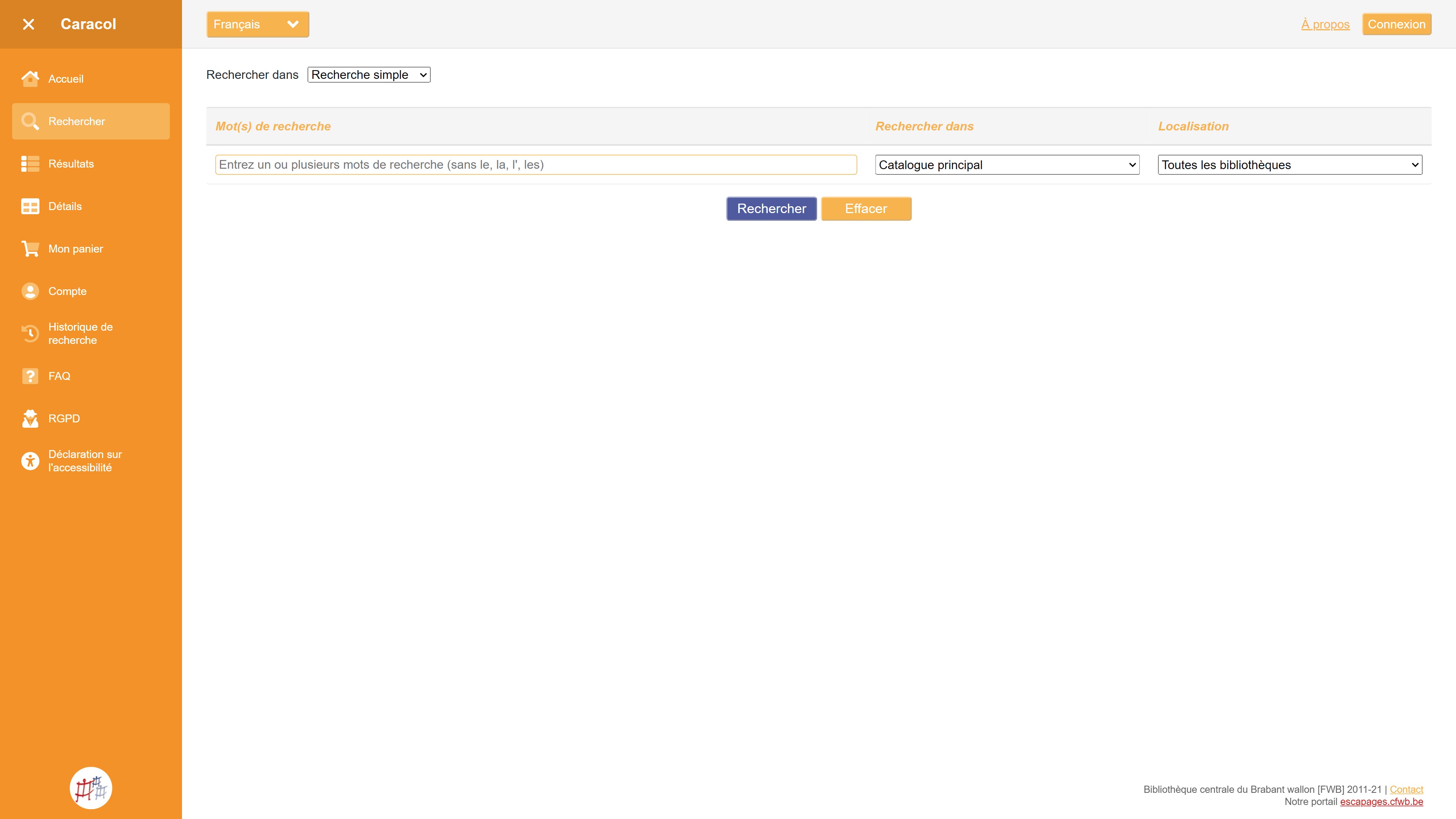
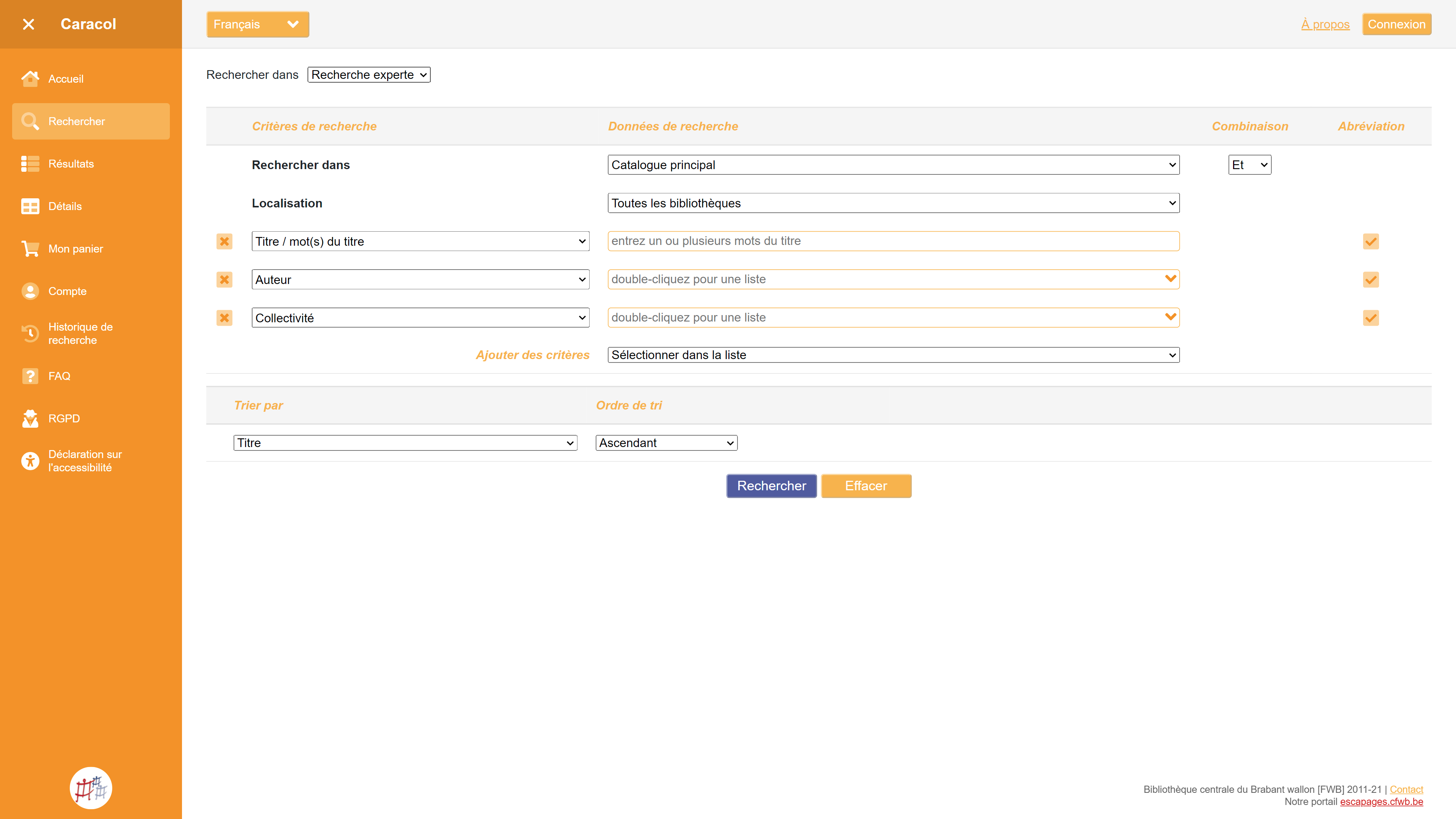
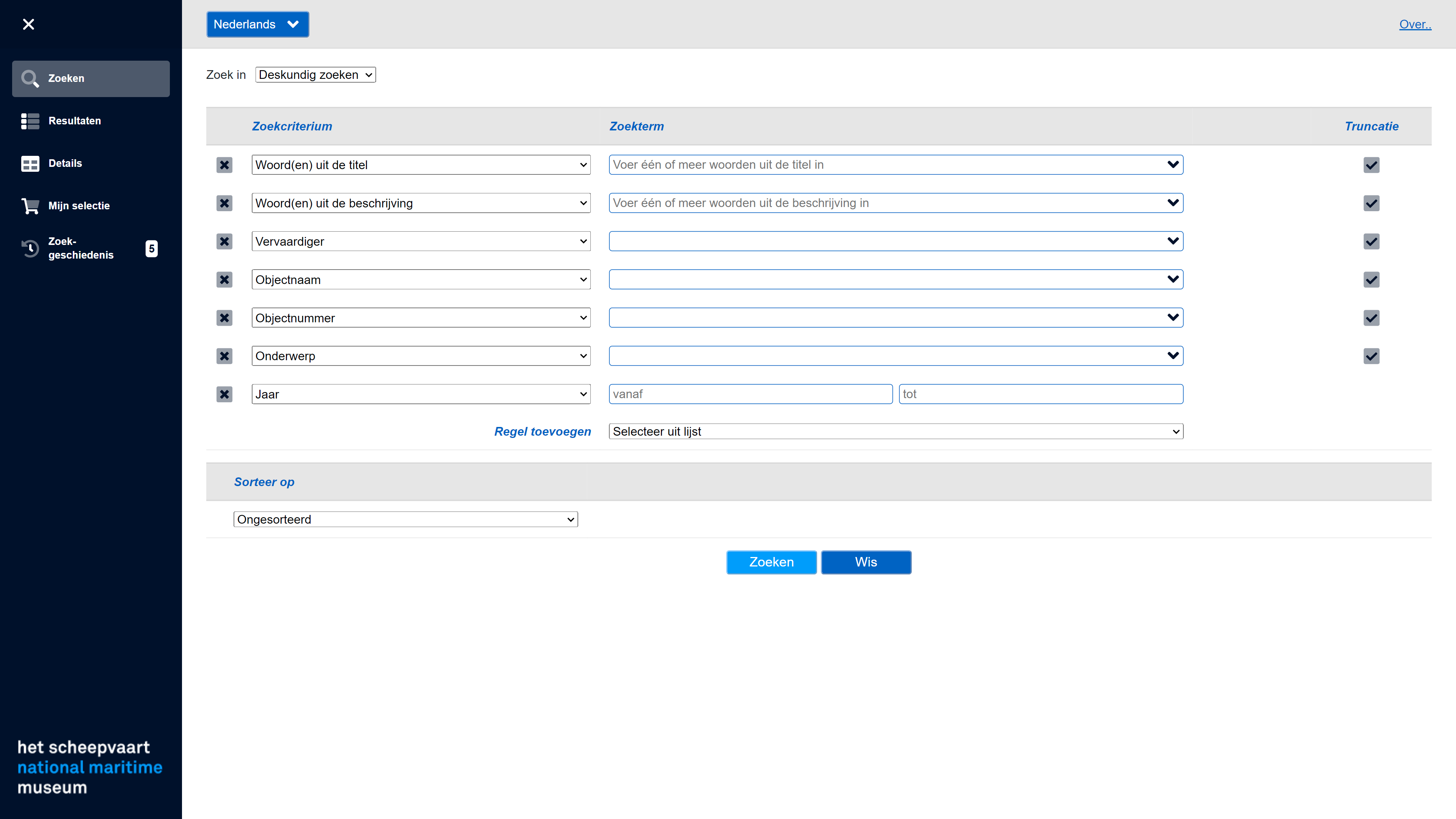
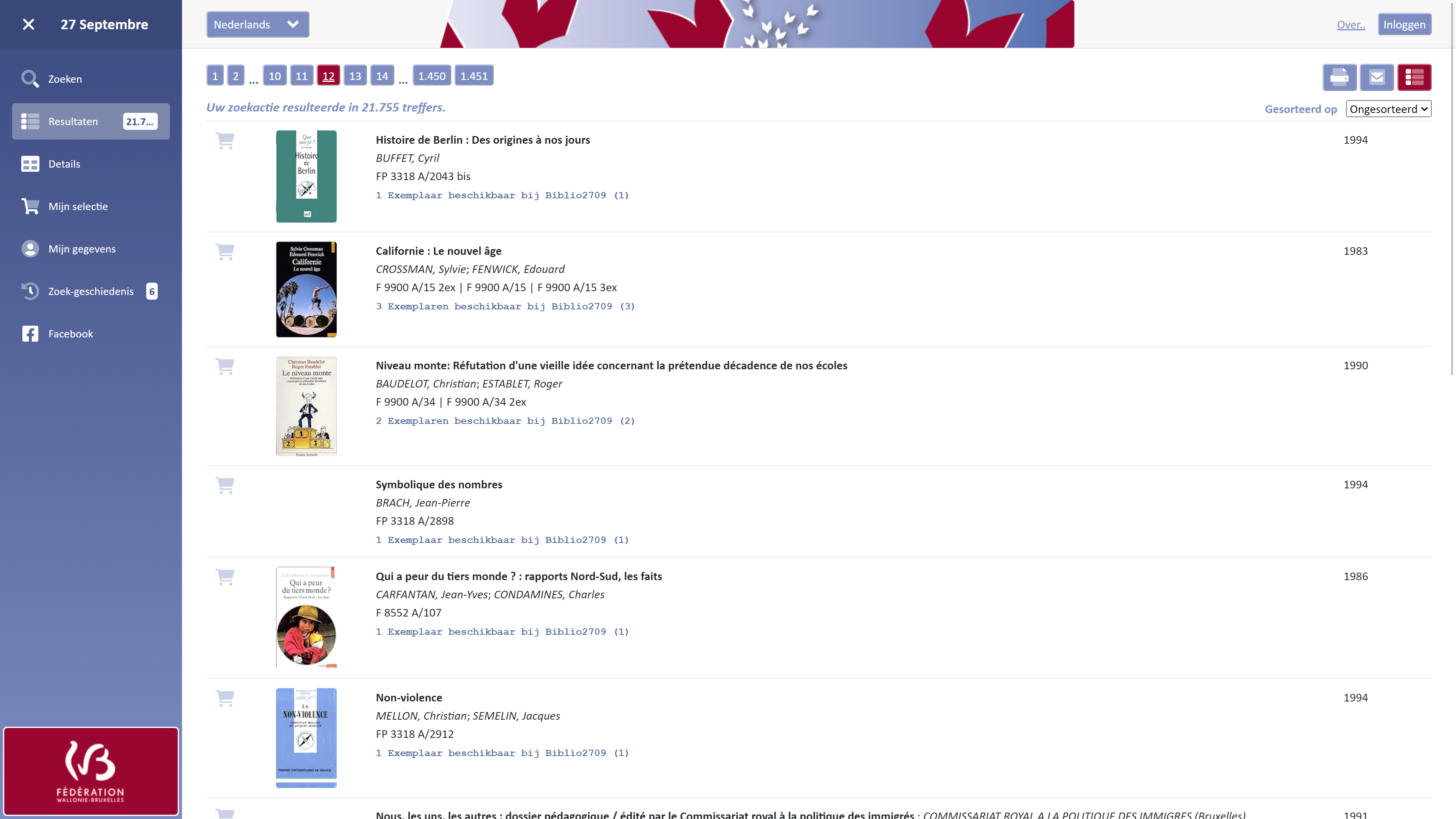
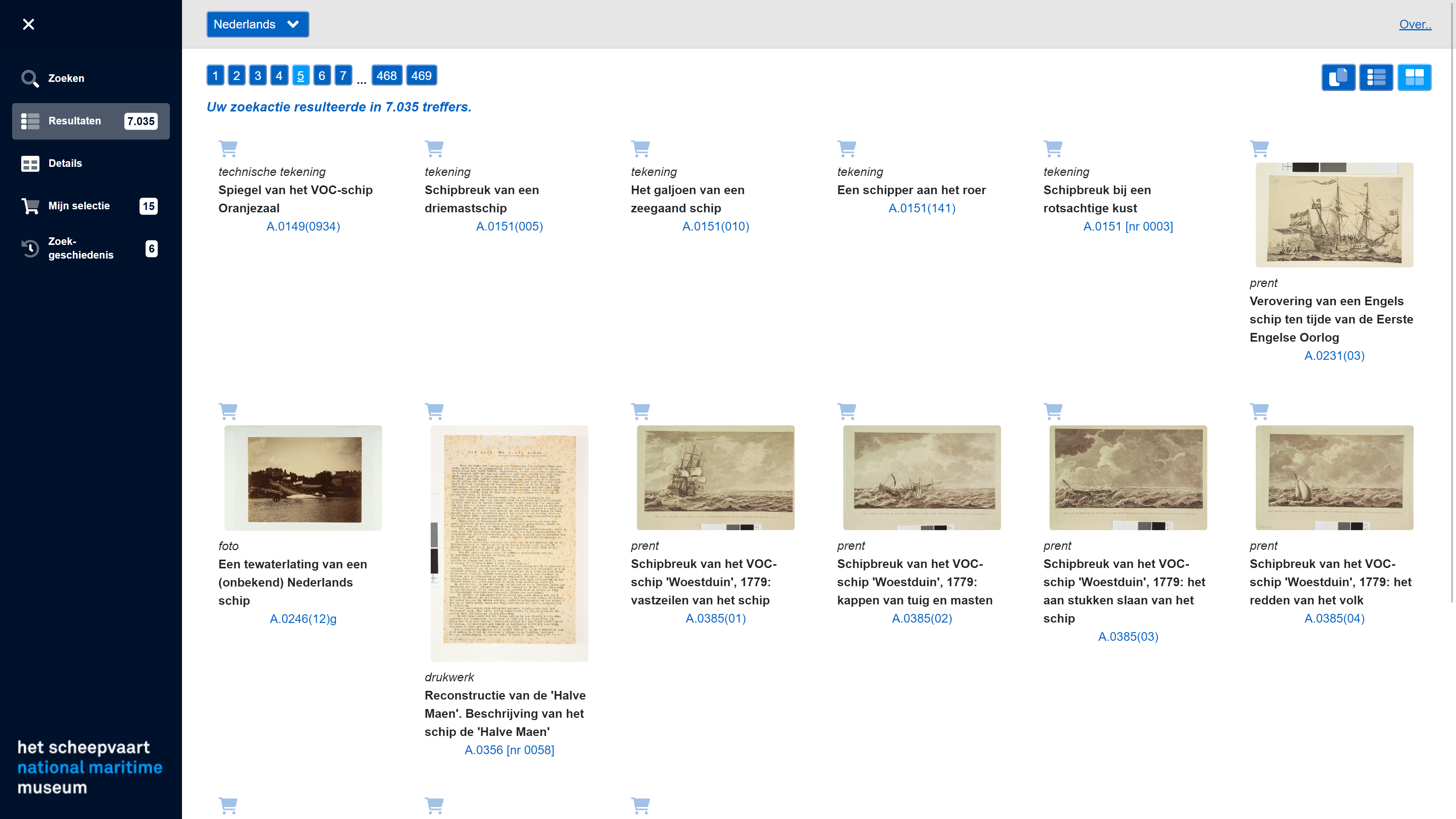
Collection Publisher consists of multiple pages:
A landing page, this page is freely customizable, and a search field can also be placed on this page.
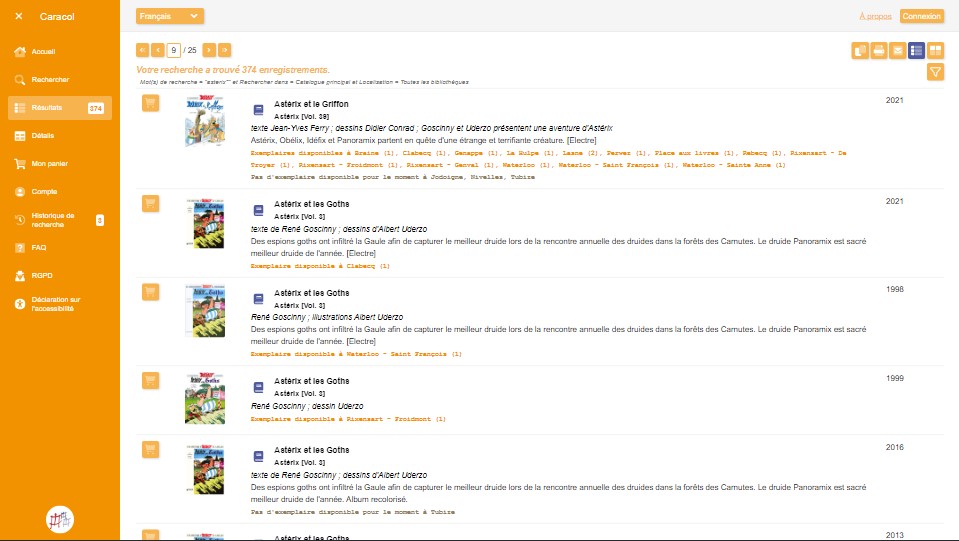
A search page with one or more search forms, where the user can choose which data they want to search in, and there is also assistance with formulating search queries.
A page with the search results displayed in list form or in a grid with images.
A detail page, where all the details of a single object are extensively displayed.
A page with selected objects, comparable to a shopping cart in an online store. The data on this page can be printed, emailed, or used for other purposes.
A search history page with previous search queries and their results.
Integration with DDLoan and Adloan
For lending libraries, there is full integration with Adloan: a borrower can view their status, reserve items online, and renew items online. The parameters of Adloan are respected, so only those items that can be renewed or reserved according to the Adloan rules will have a renew or reserve button.
Multilingual
The pages can be made available in multiple languages. The user's language is taken from the browser, but it can also be manually selected through a menu. The translations used are stored in separate files that the customer can modify as desired.
When data is available in multiple languages, the data will also be displayed in the user's appropriate language.
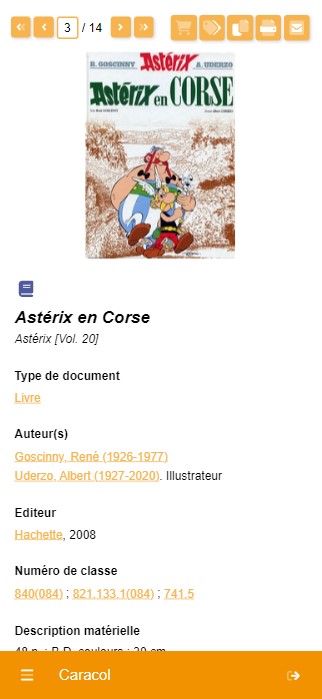
Output in PDF
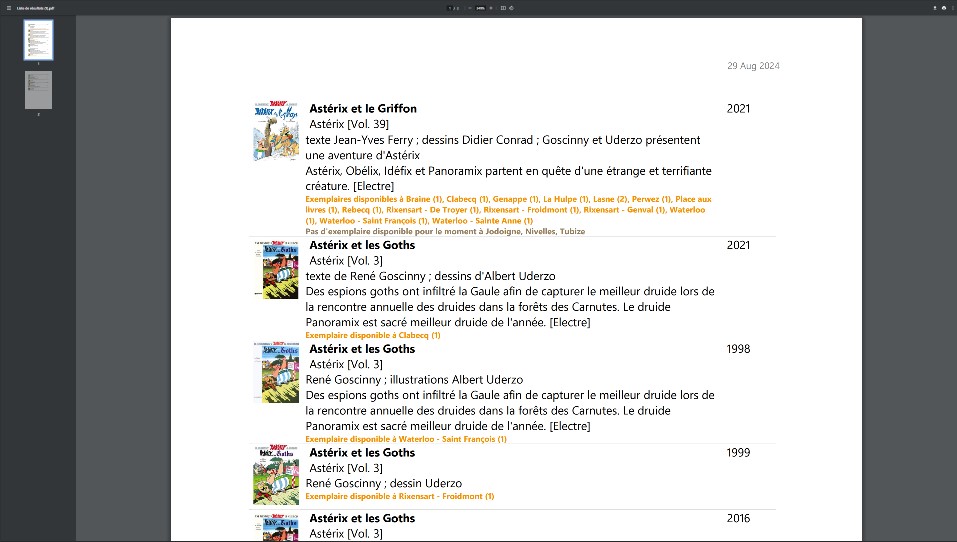
To make printing and emailing easier, the output is automatically converted to PDF. The layout of the displayed pages is preserved.
Used by
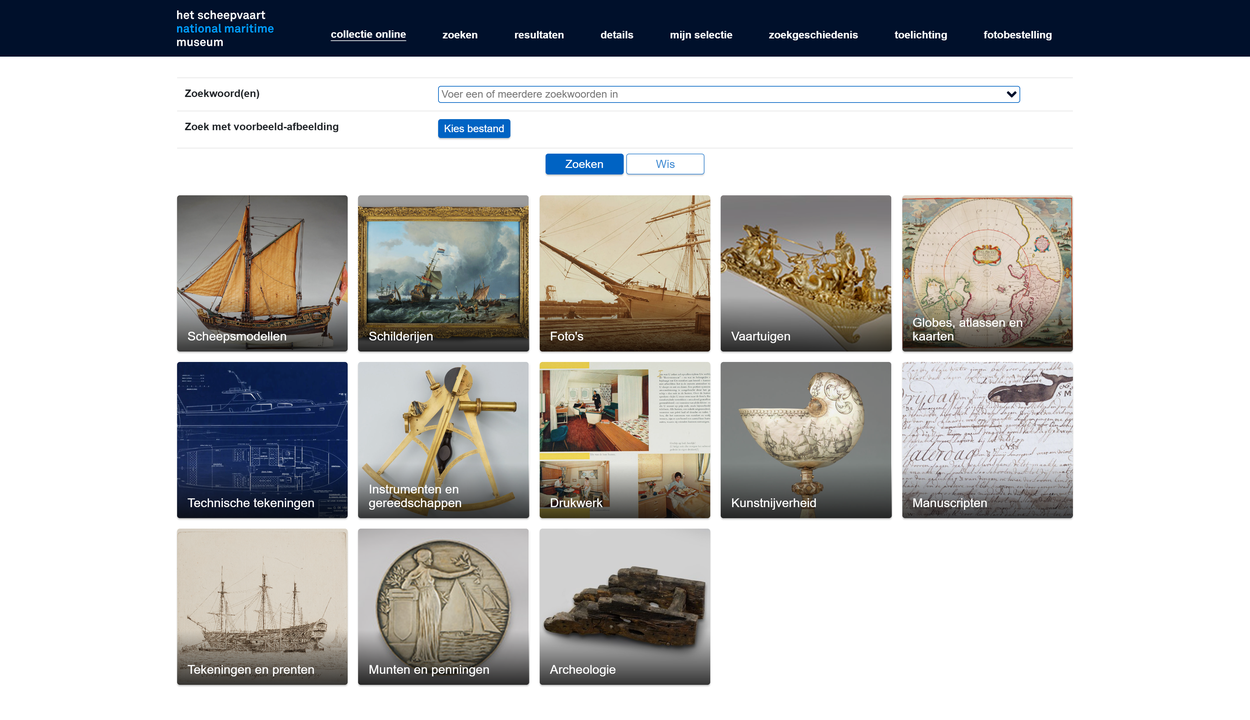
The National Maritime Museum
A major national collection covering 500 years of Dutch maritime history, featuring globally significant objects.
collectie.hetscheepvaartmuseum.nl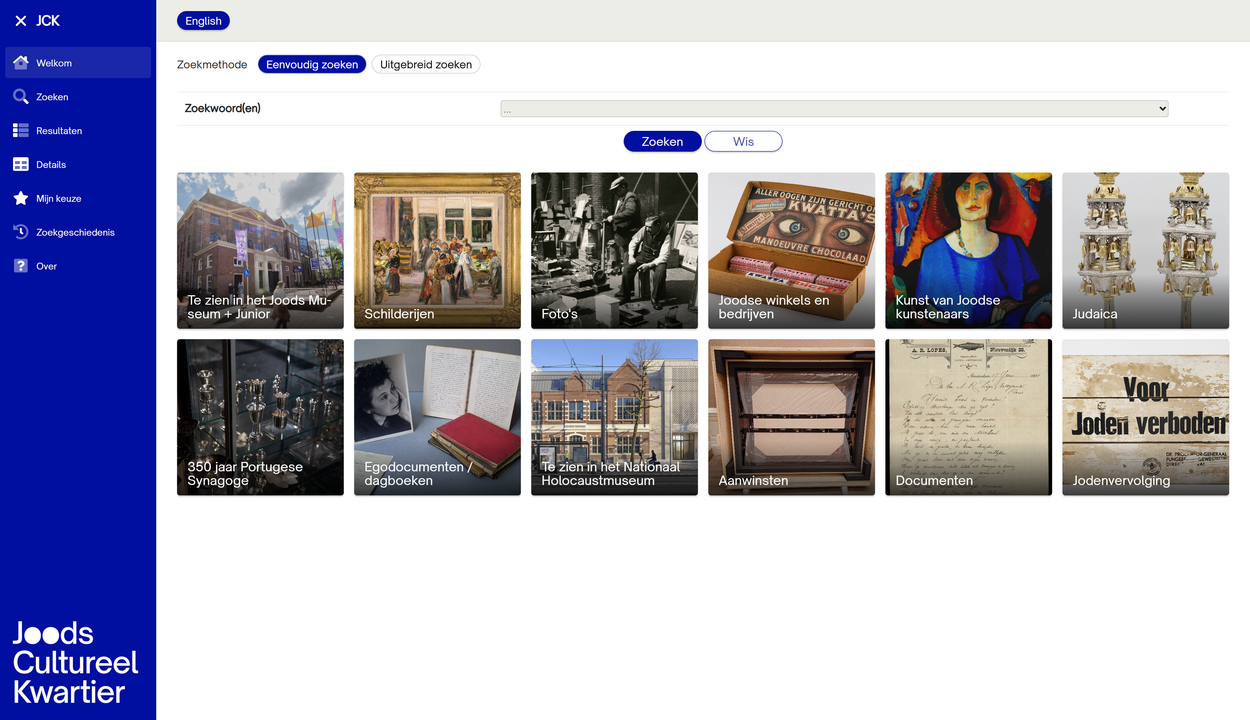
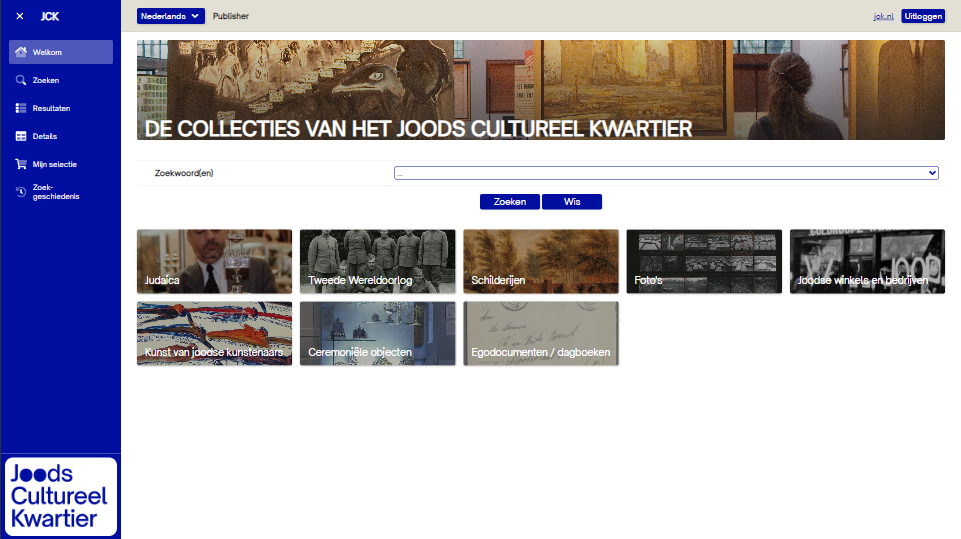
JCK
Jewish cultural heritage in the Netherlands: religion, art, photography, and historical sources brought together from multiple institutions.
collections.jck.nl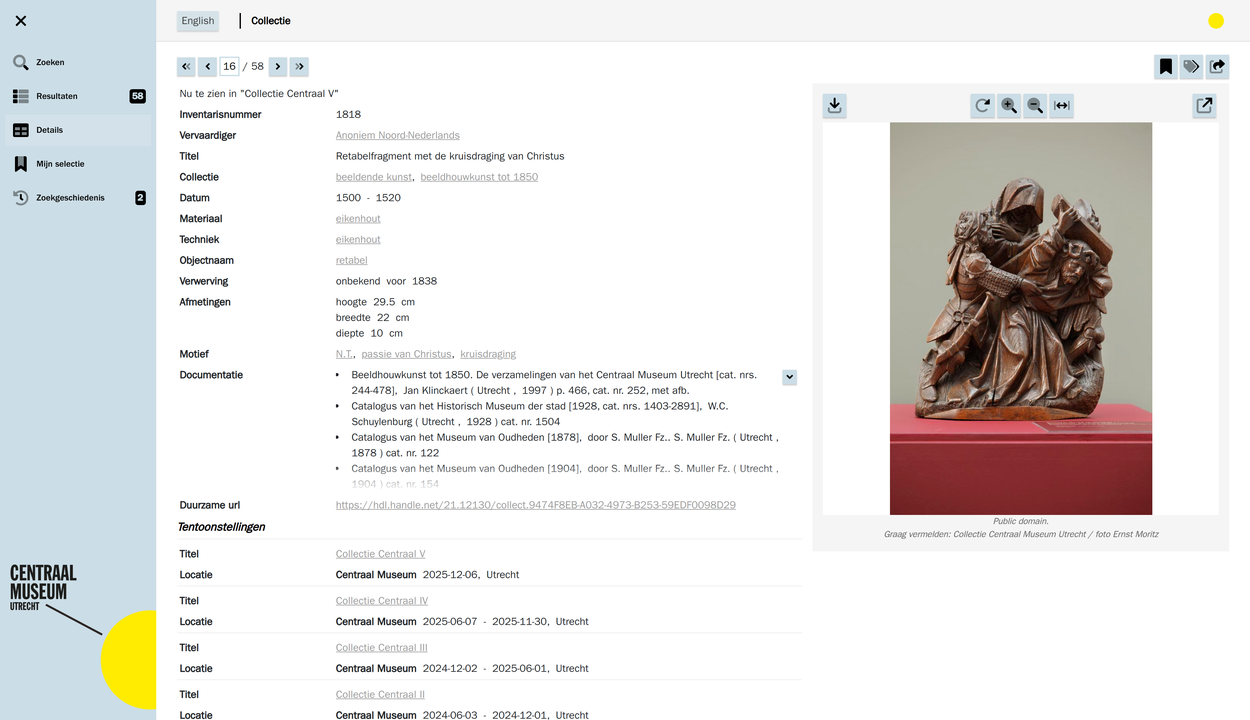
Centraal Museum
Over 70,000 objects spanning fine art, fashion, and the rich cultural and urban history of Utrecht.
collectie.centraalmuseum.nl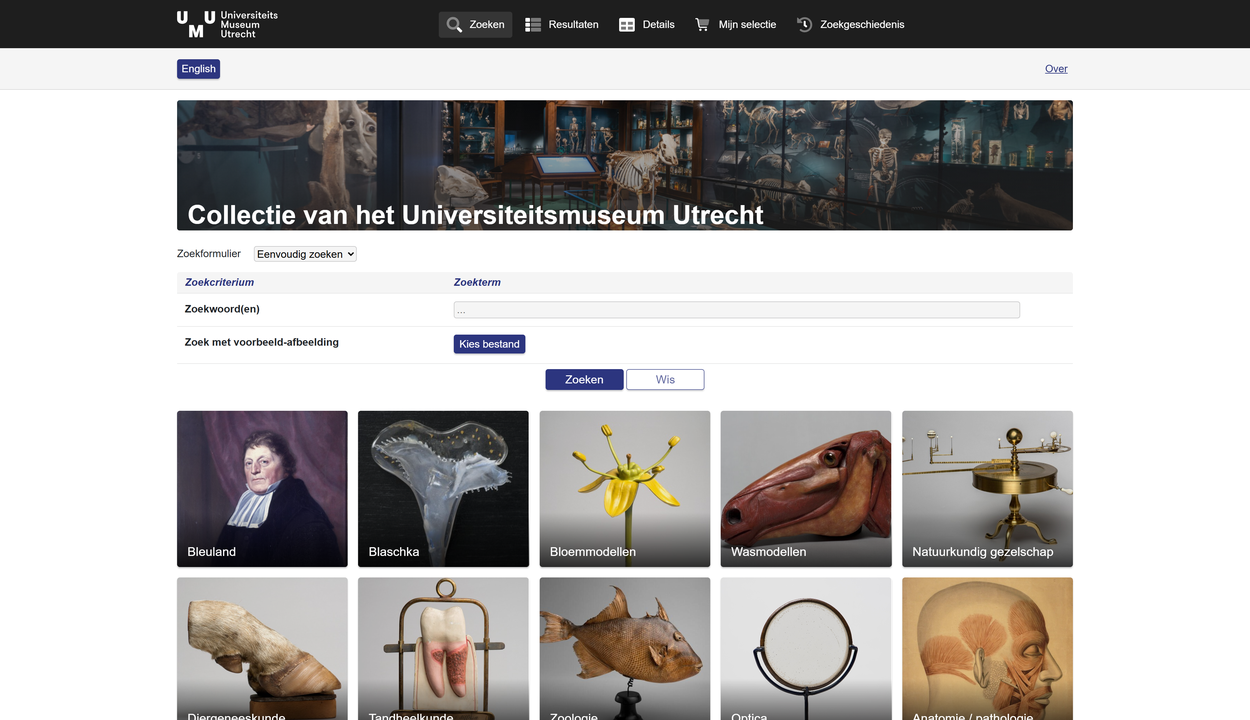
Utrecht University Museum
Rare books, scientific instruments, and historical objects from the heritage collections of Utrecht University.
collections.uu.nl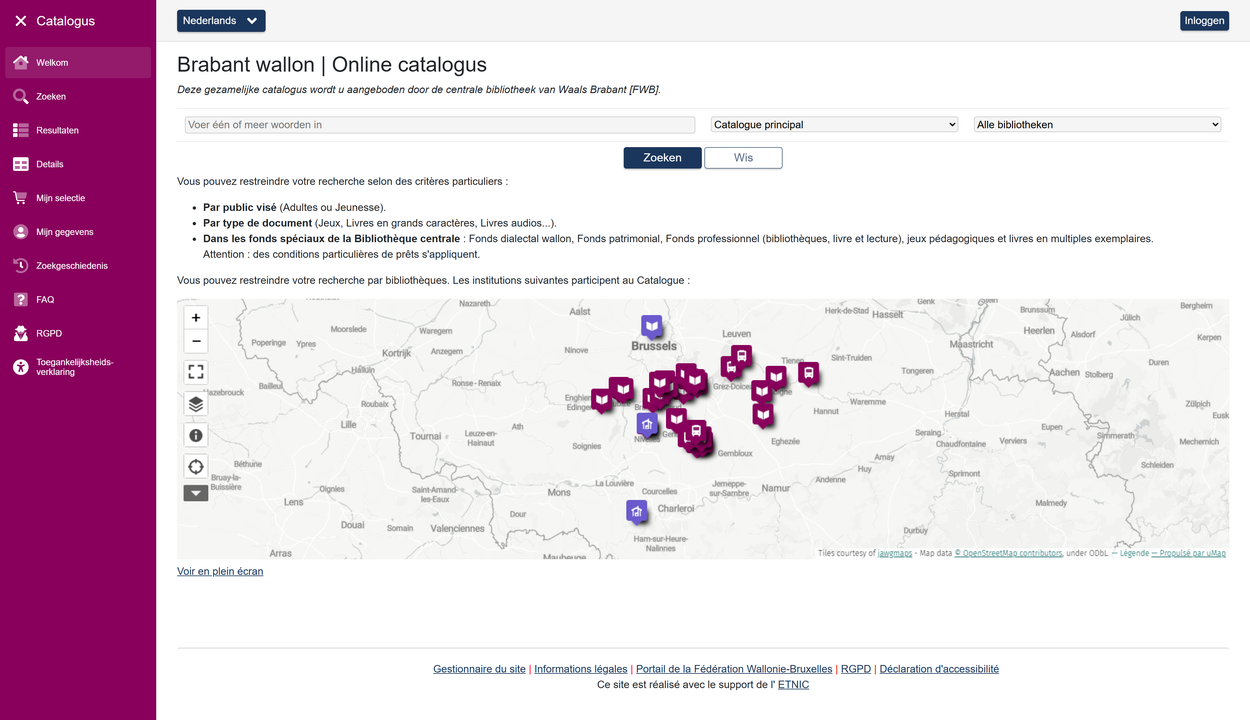
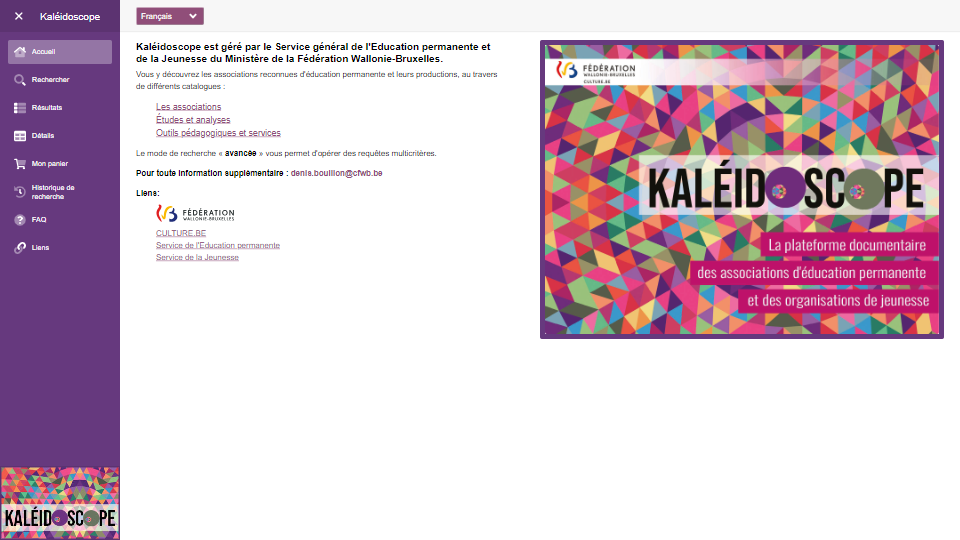
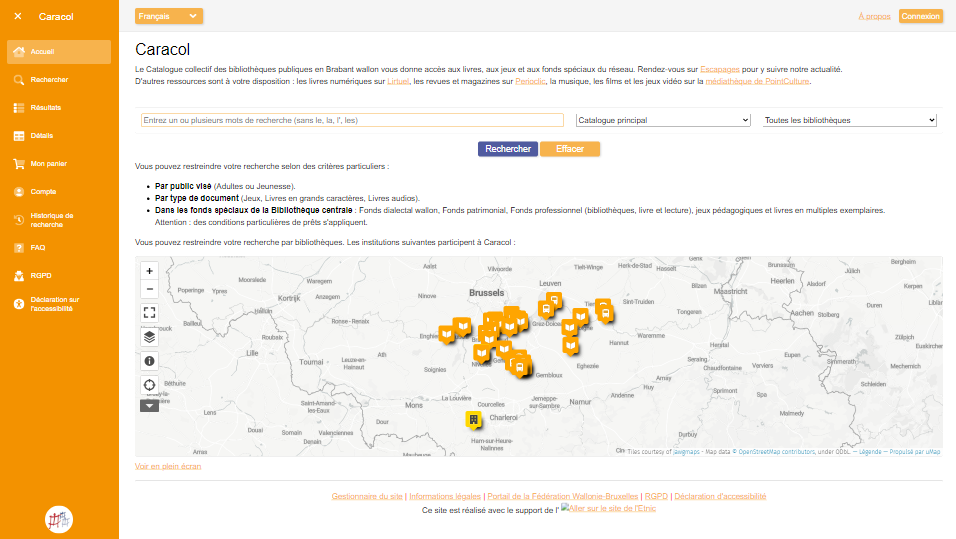
Brabant wallon
Shared online catalogue for public libraries across the French-speaking provinces of southern Belgium.
webopac.cfwb.be/nivelles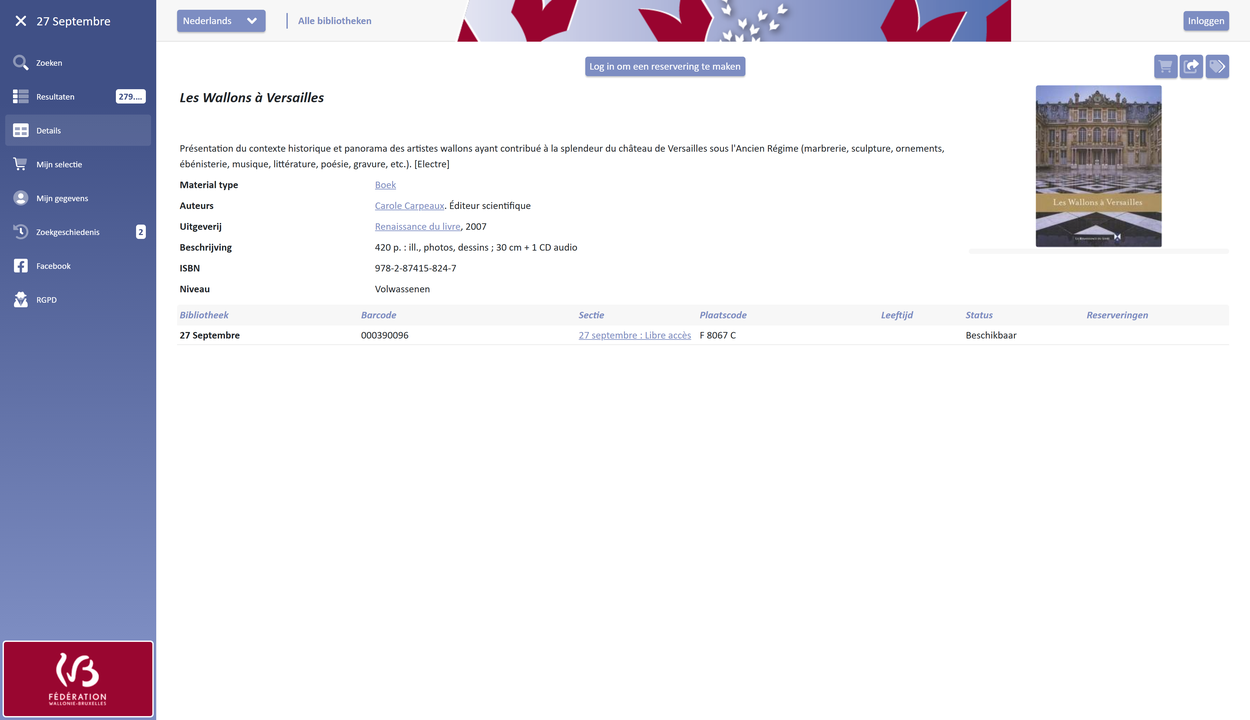
Bibliothèques 27 septembre
Central online catalogue for the network of French-speaking public libraries in and around Brussels.
webopac.cfwb.be/bibli2709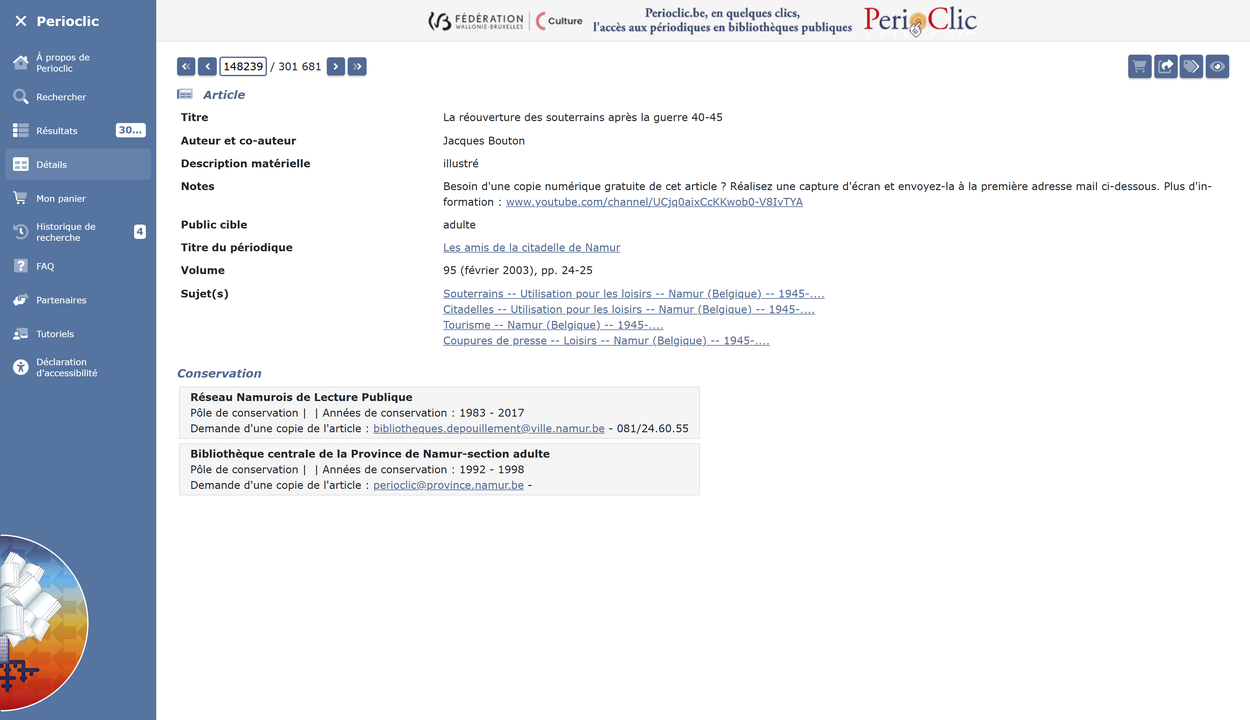
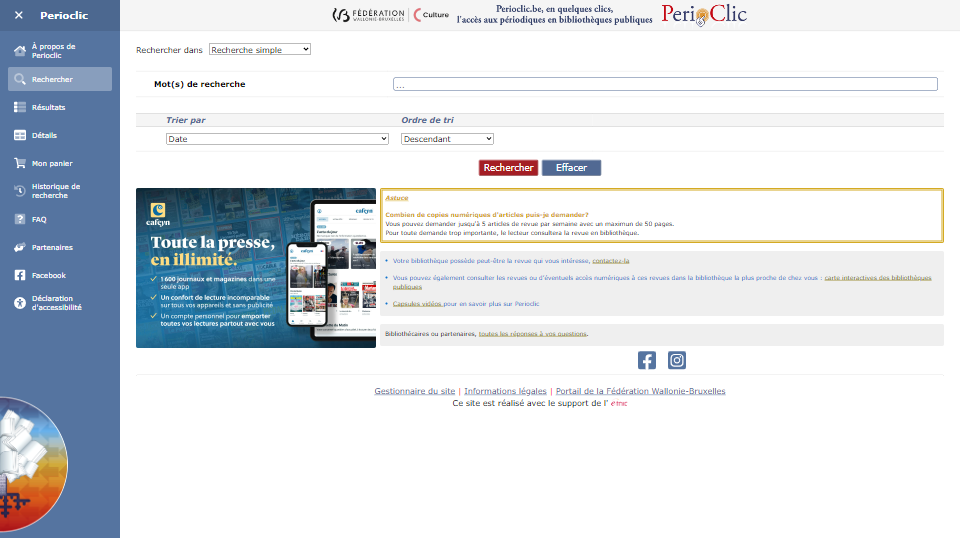
Perioclic
Digital platform providing access to magazines and periodicals from French-speaking Belgian library networks.
webopac.cfwb.be/perioclic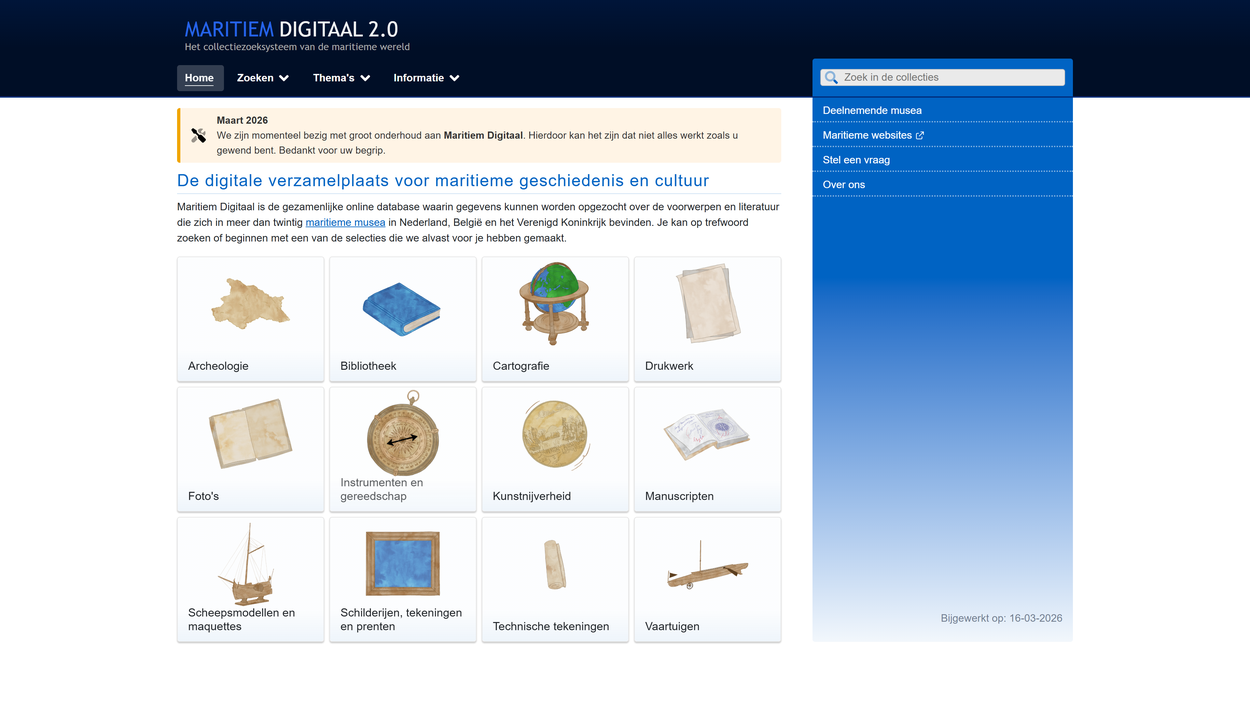
Maritime Digital
Umbrella platform enabling unified search across maritime collections from museums and heritage institutions nationwide.
maritiemdigitaal.nlPermanent Identifiers
Permanent identifiers, such as ARK (Archival Resource Key), are keys that give objects in a collection a unique and lasting identification. This means that an object can always be found, even if systems or web addresses change.
The use of permanent identifiers helps to keep collections accessible and findable. Additionally, they make it easy to keep links to objects consistent and reliable, which is especially important for museums and archives.
Want to know more? Visit the page about ARK identifiers for a more detailed explanation.

Compatible with the Dutch Digital Heritage Network
Our software is designed to connect to the infrastructure of the Dutch Digital Heritage Network (NDE). This means collections can be made findable and accessible across institutional boundaries, without requiring a complex integration process.
NDE compatibility includes support for linked data output, the NDE Network of Terms, IIIF image access, and registration in the NDE Dataset Register. All built in as standard.
Want to know more? Visit the page about NDE compatibility for a detailed explanation.
No licensing fees
Because our software is open source, we do not charge any licensing fees. You are free to use, modify, and install the system yourself at no additional cost.
Would you prefer that we handle the installation or configuration, or do you have specific requirements? We are happy to provide a tailored quote. We also enjoy working with users to further develop and improve the product.
Built with C#, Blazor and open standards
Our software is written in C# and uses Microsoft’s Blazor technology, combined with a relational database for stable and reliable data storage.
The system runs entirely in the browser and does not require installation on your device. It can be hosted by us, by a third party, or on your own infrastructure.
Ready to get started or want to learn more? Get in touch with us.